
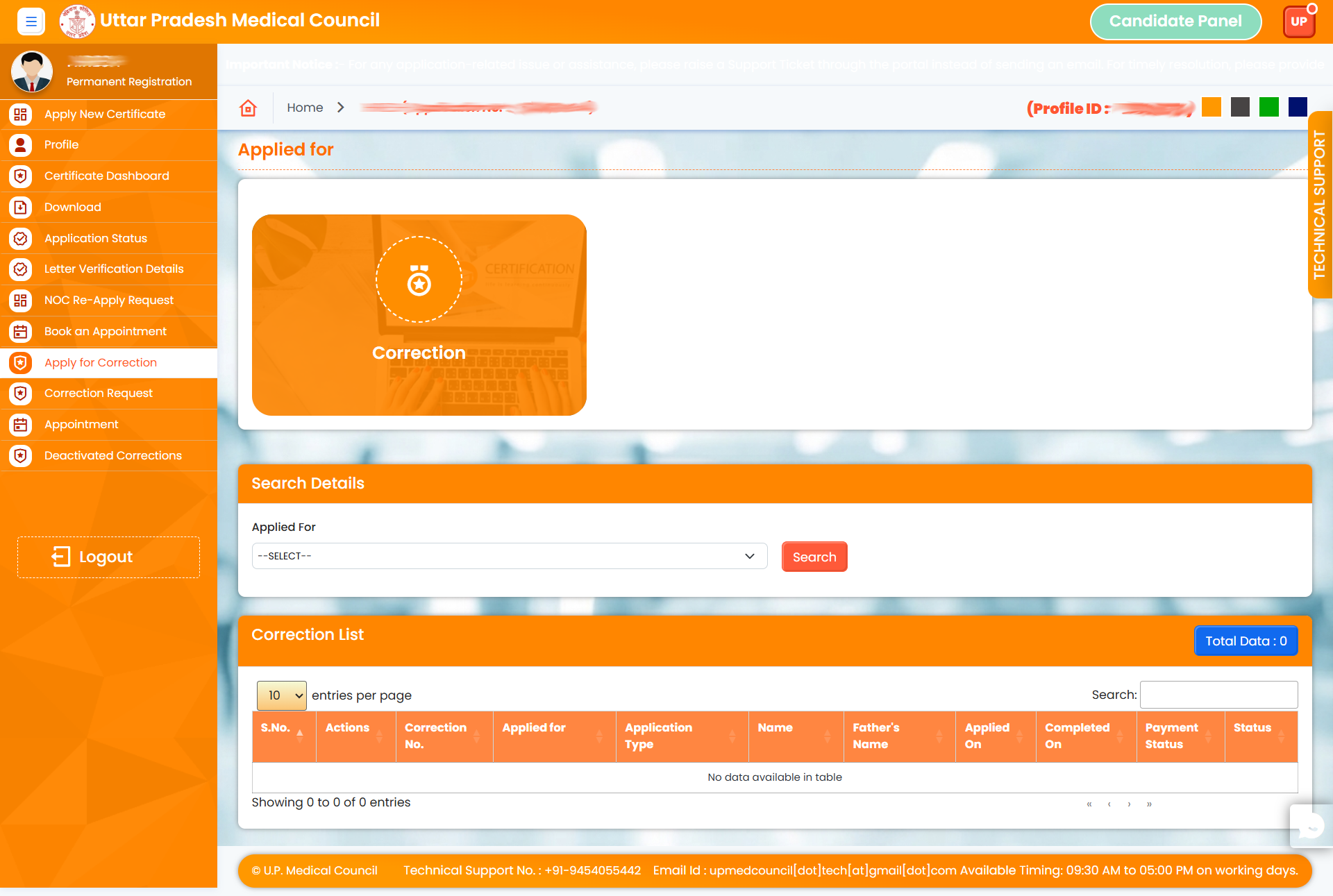
1. Open the UPMC Portal & Login
2. Click on Apply for Correction.
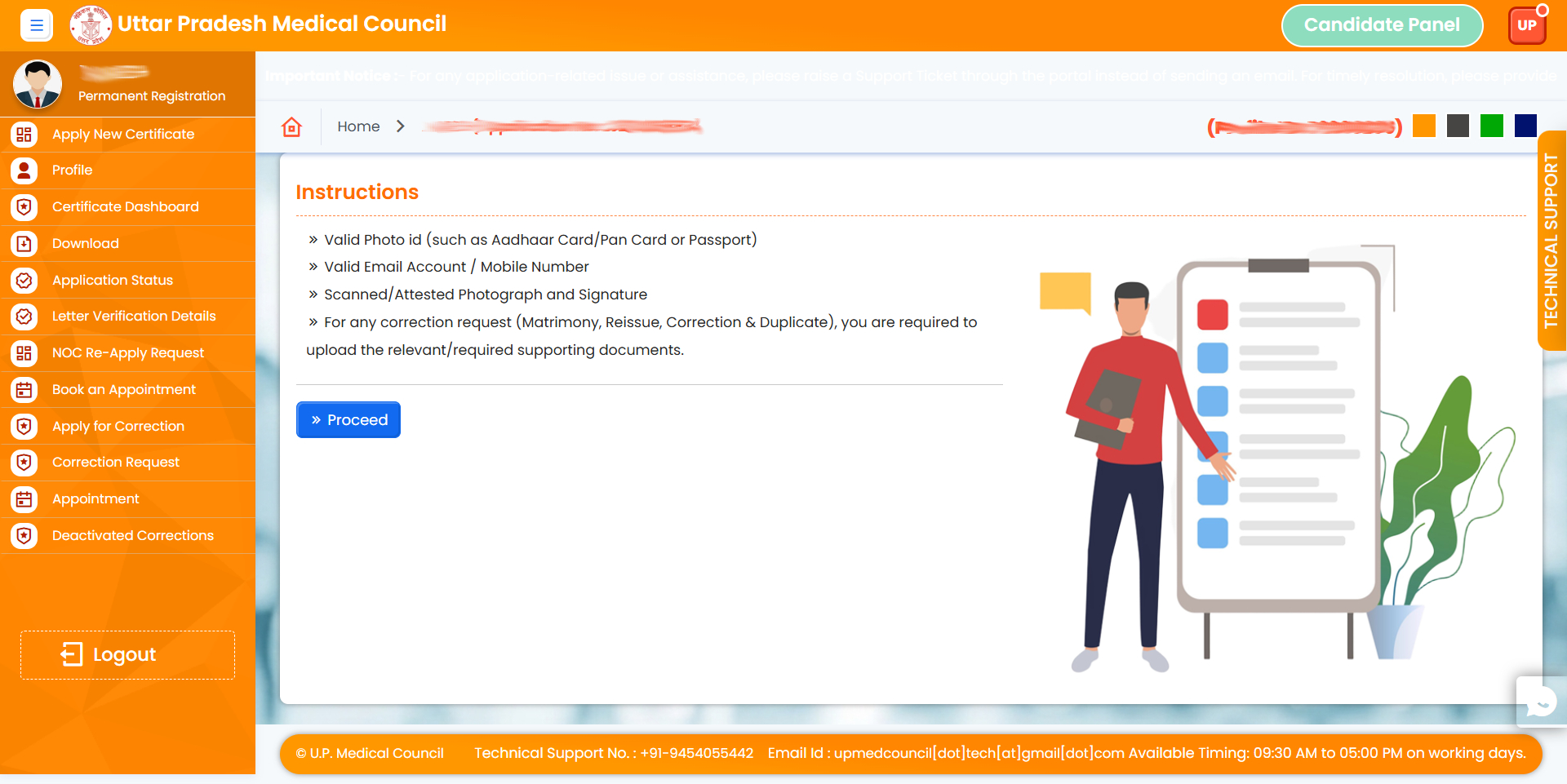
3. Read the Instruction and click on proceed button
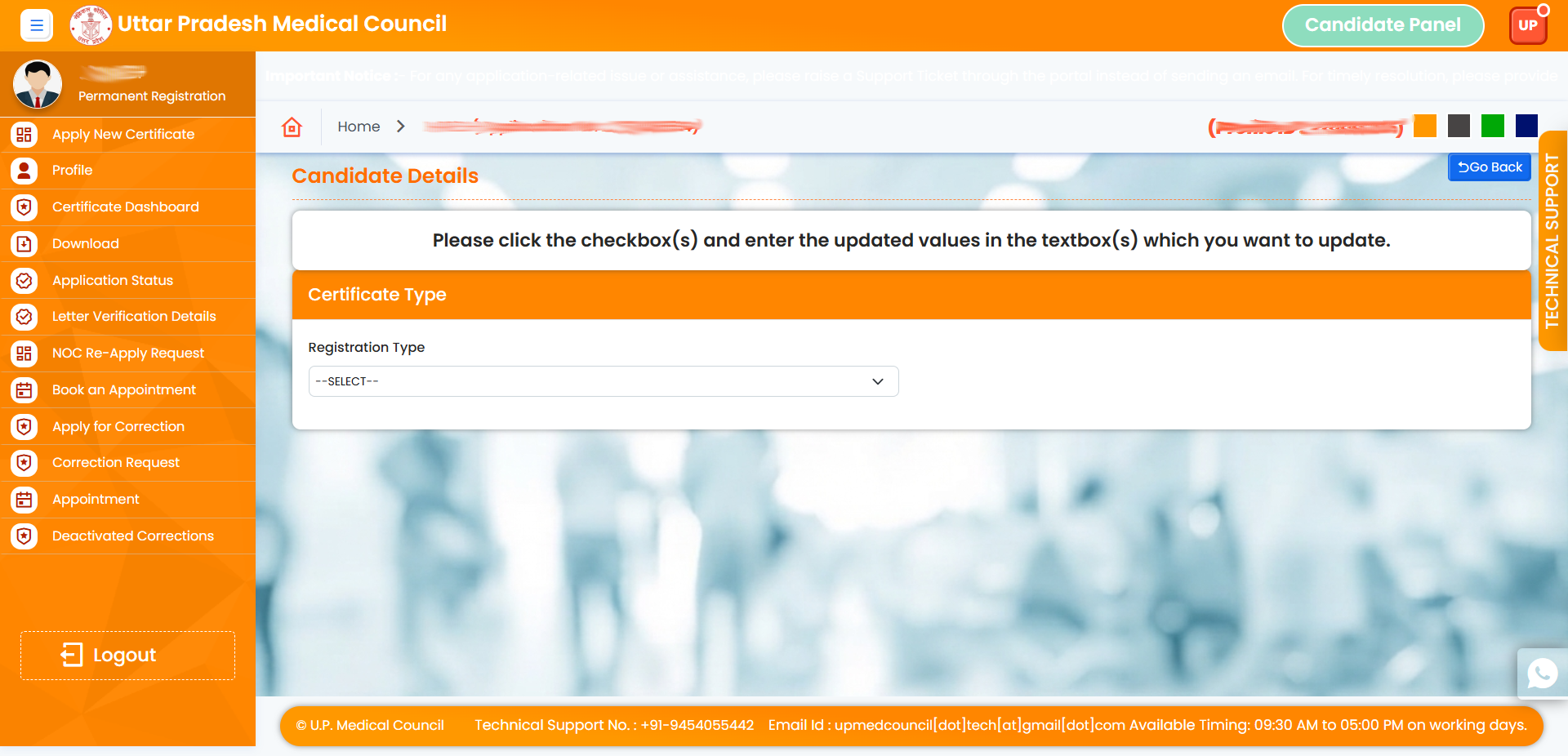
4. Select Your Application Type.
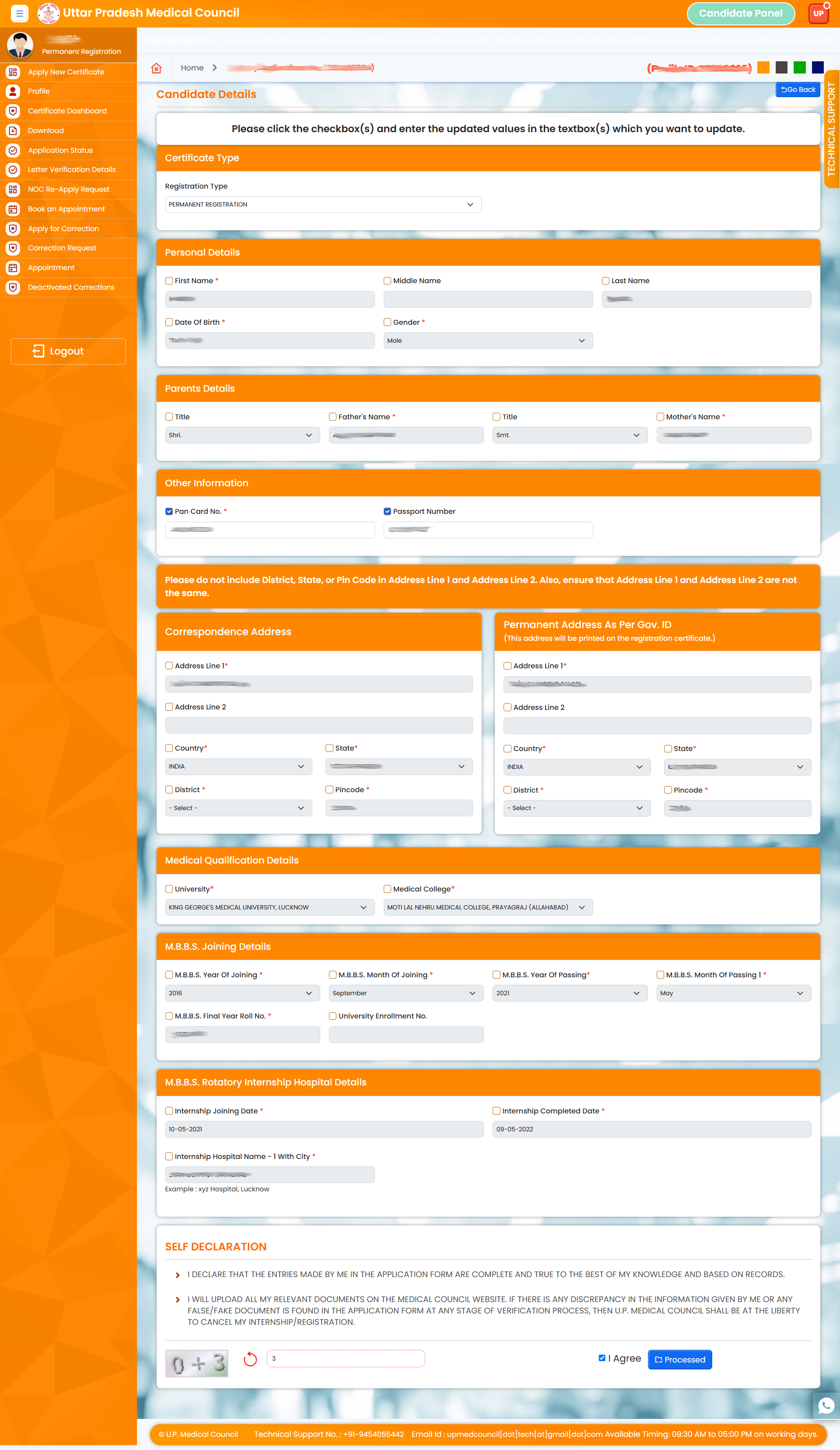
5. Click the checkbox and Correct your details, enter the CAPTCHA, tick “I Agree,” and click “Proceed.
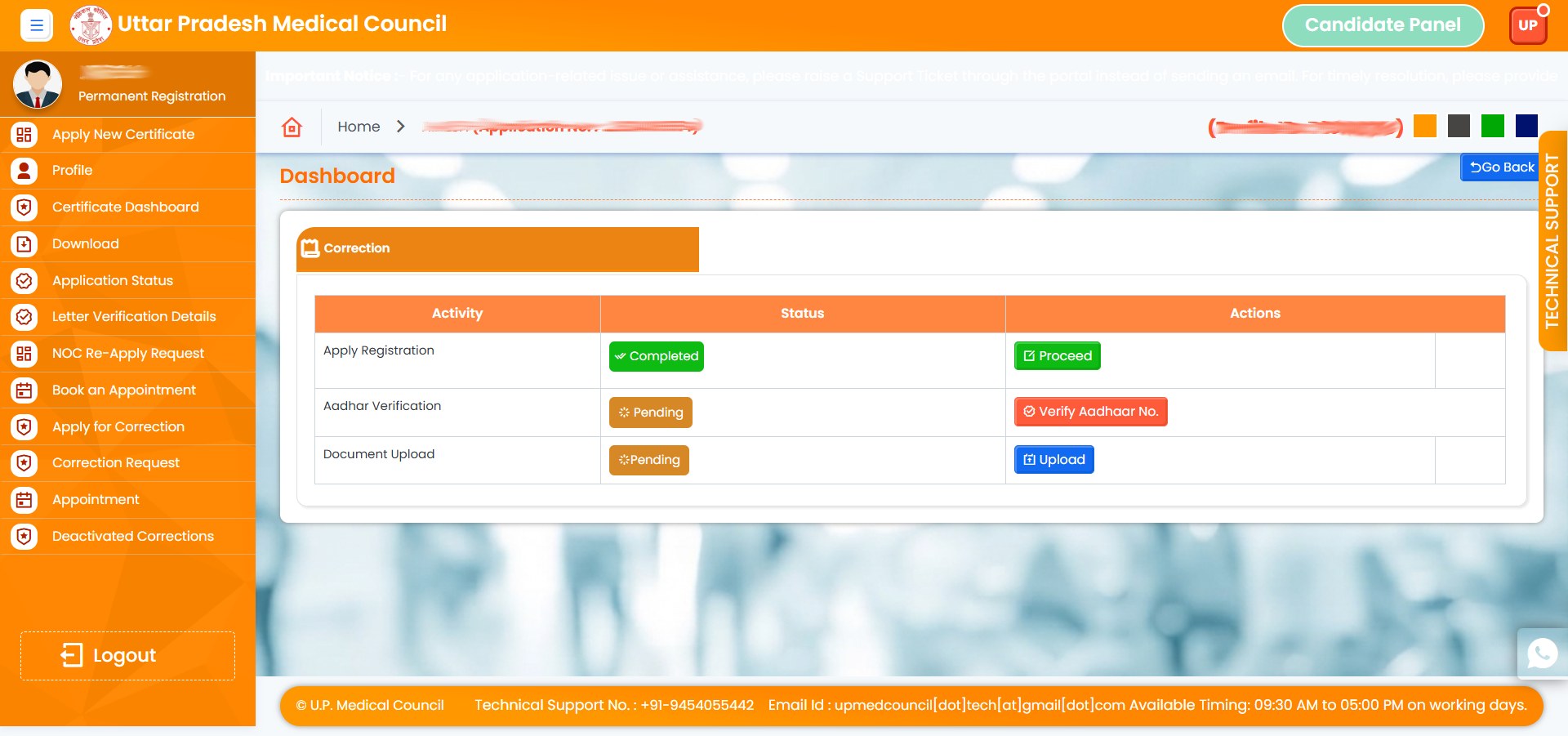
6. View Your Current status and verify your Aadhaar
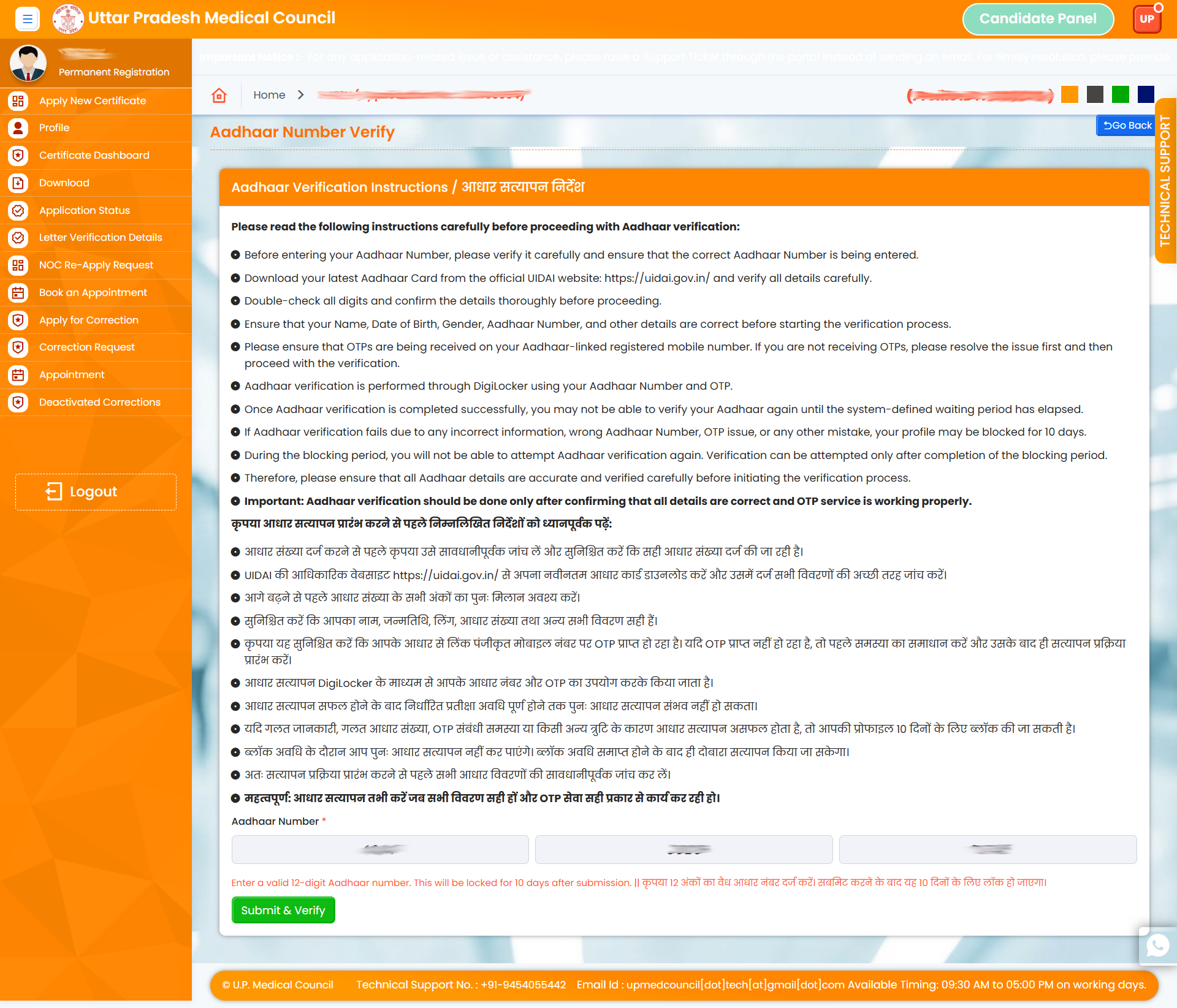
7. Read the instructions before verifying your Aadhaar number
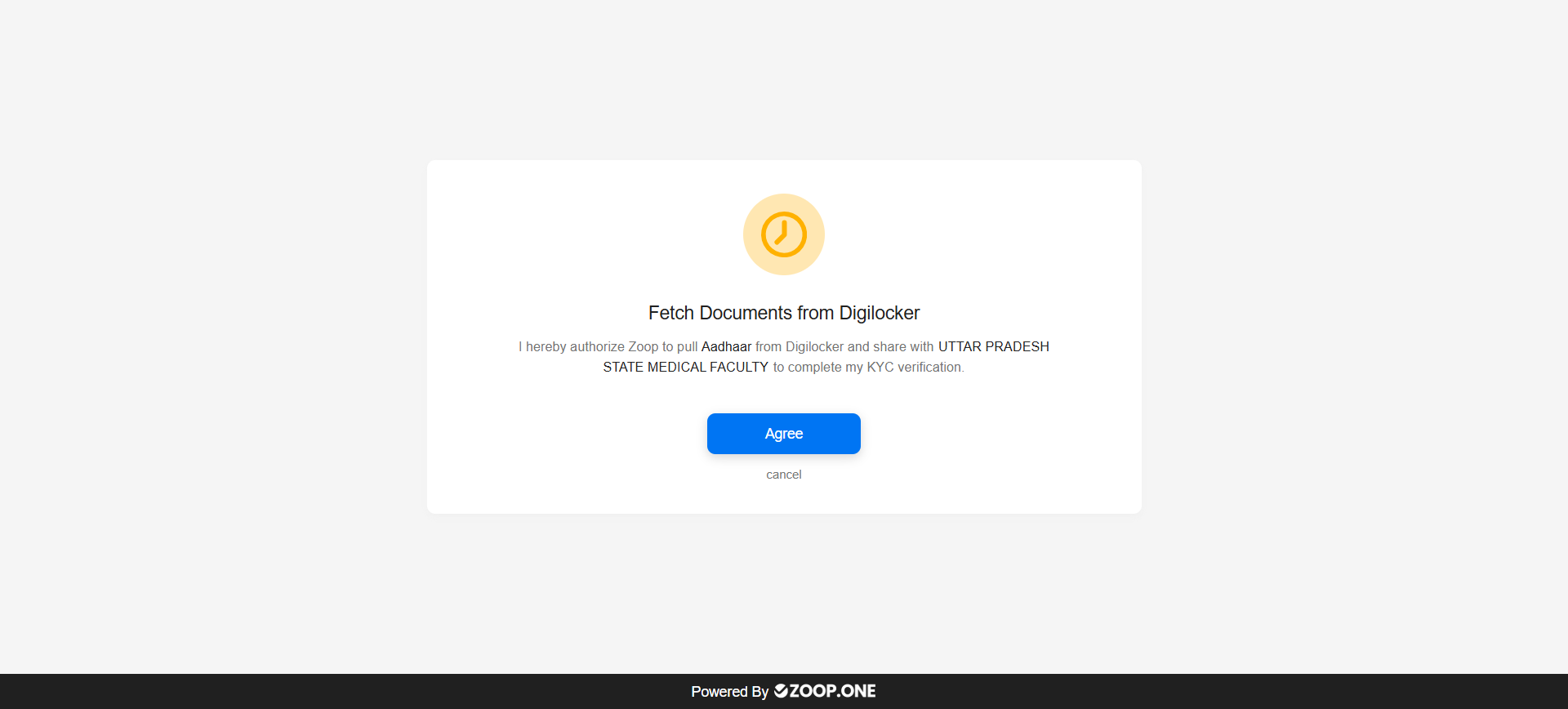
8. Click on Agree button
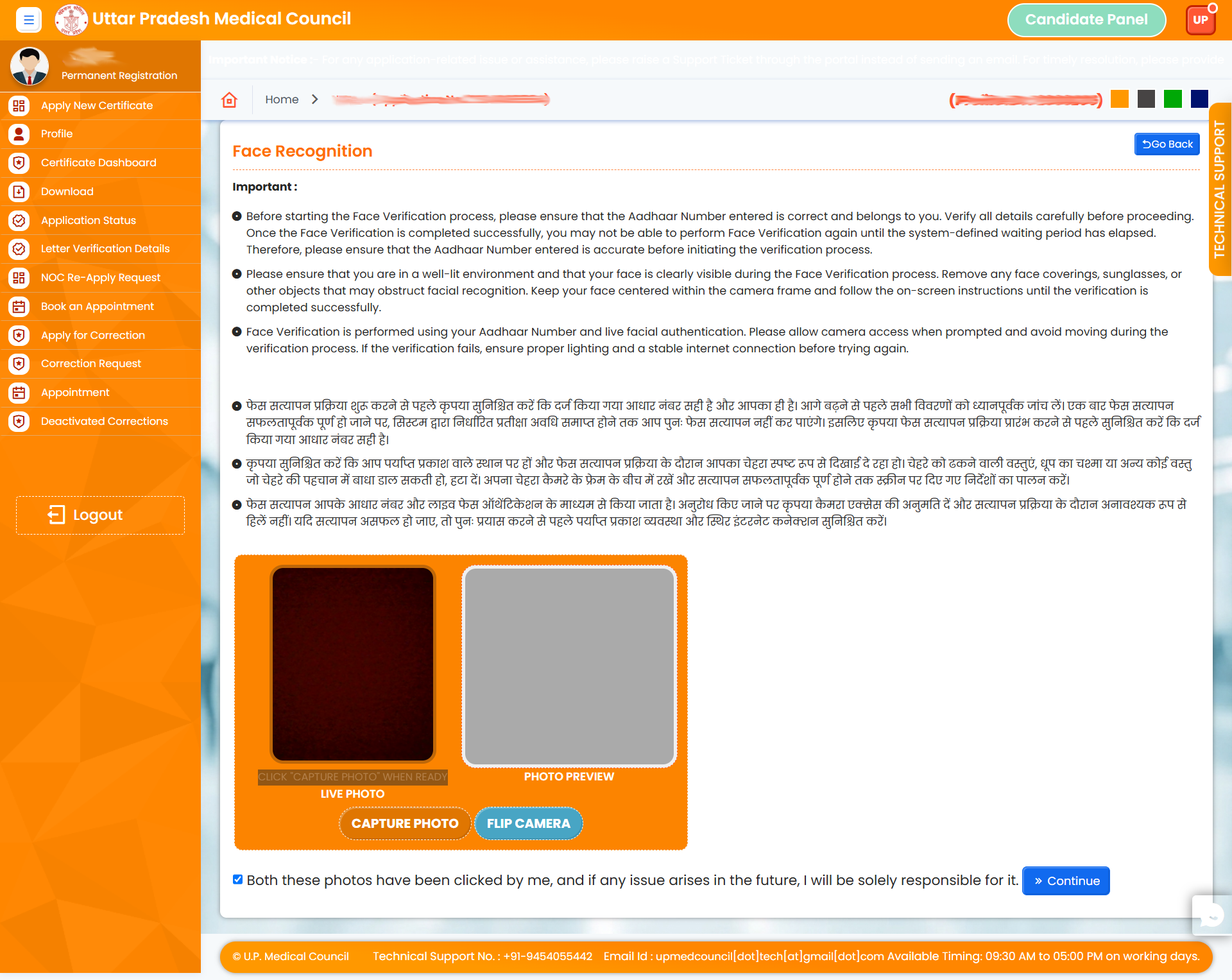
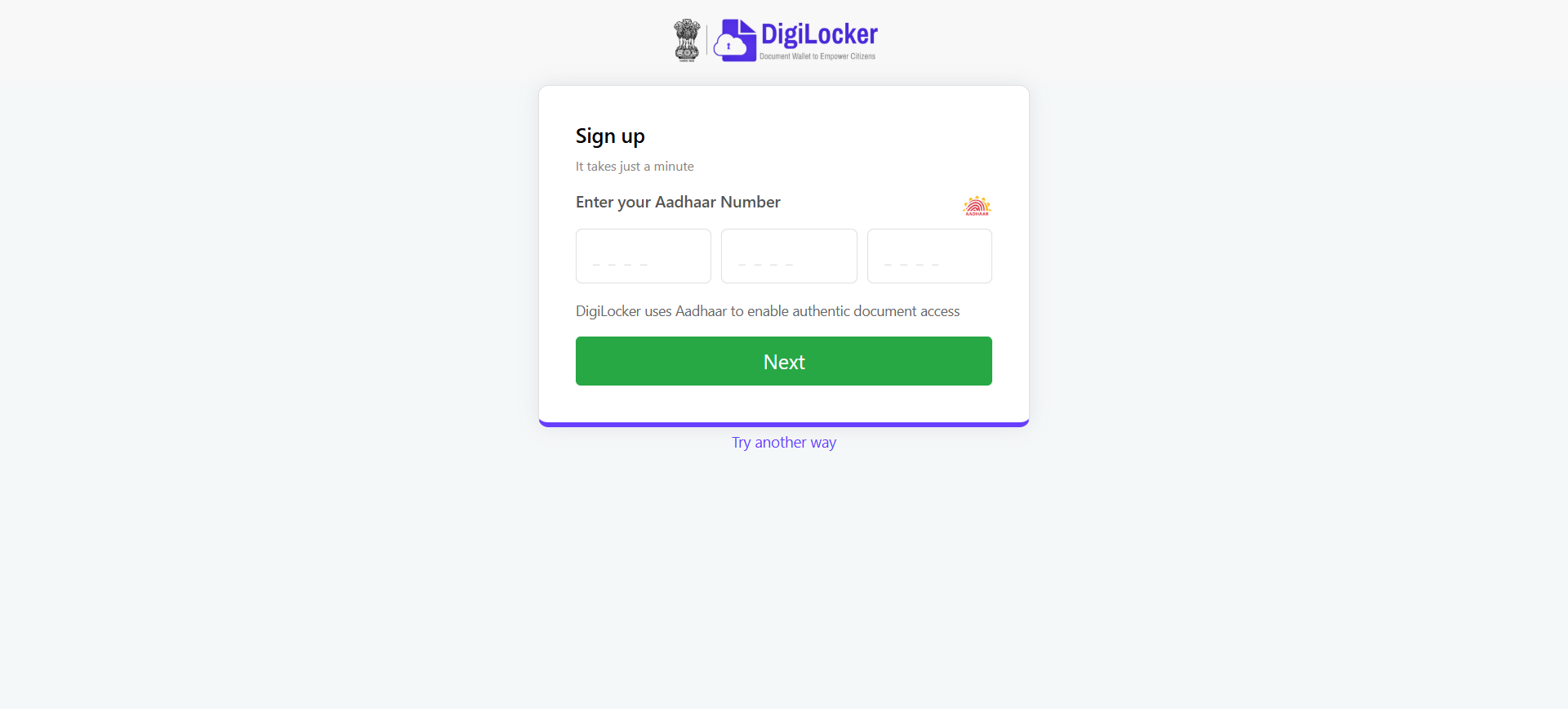
9. Enter your Aadhaar Number to complete verification
10. Verify your face after Aadhaar verification.
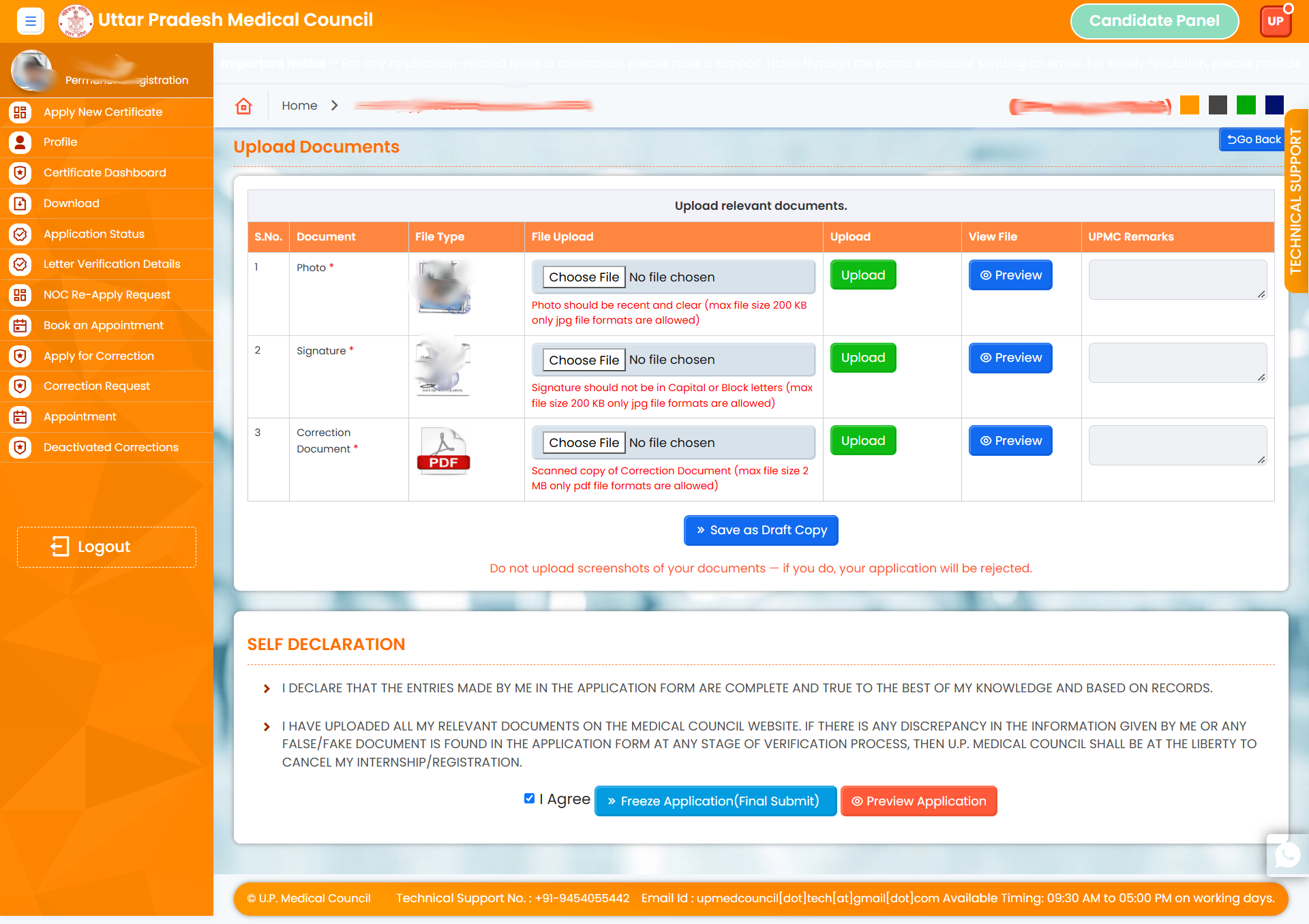
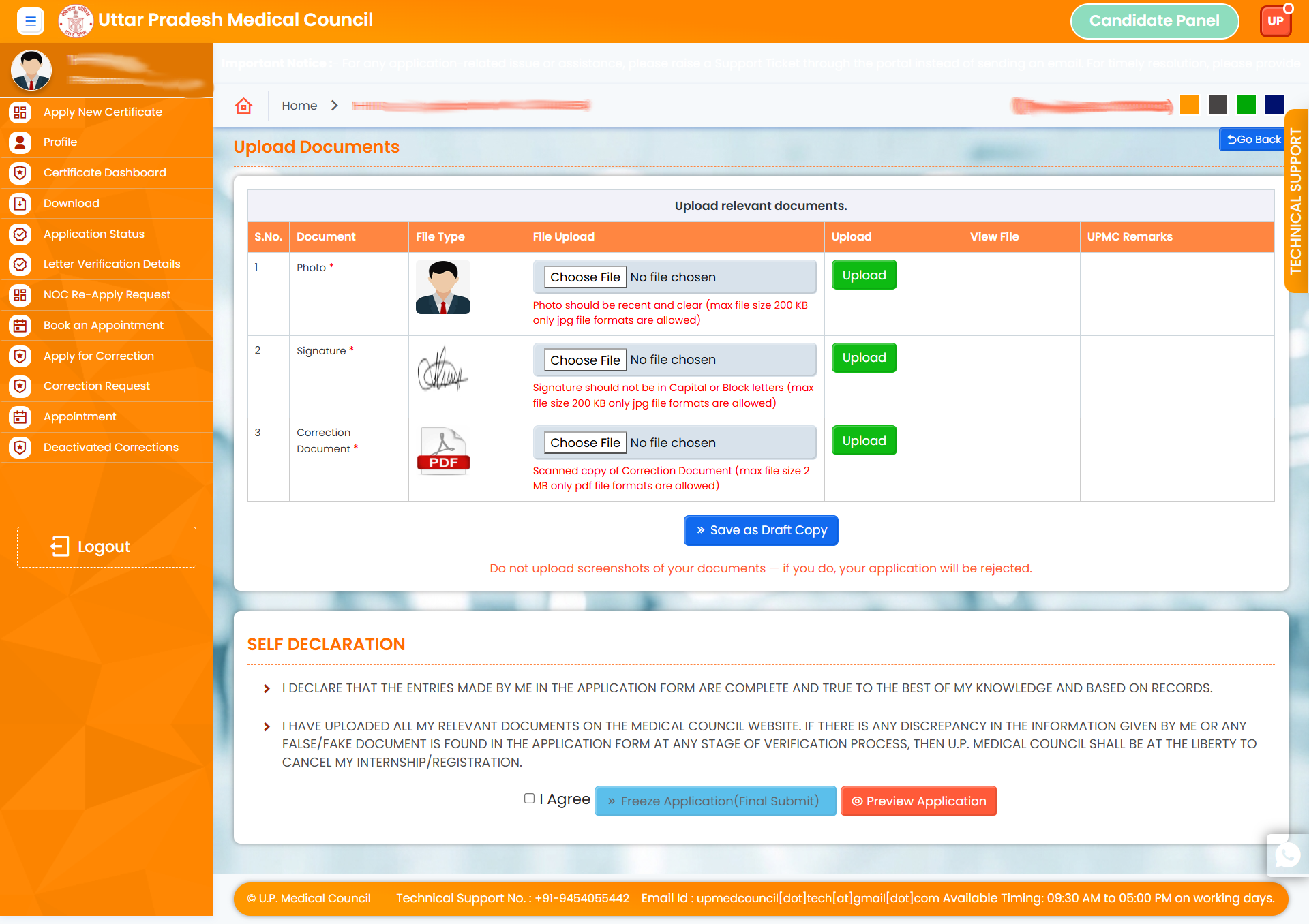
11. Please upload all required documents.
12. Then, check the “I Agree” checkbox and click the “Freeze” button to finalize your application.
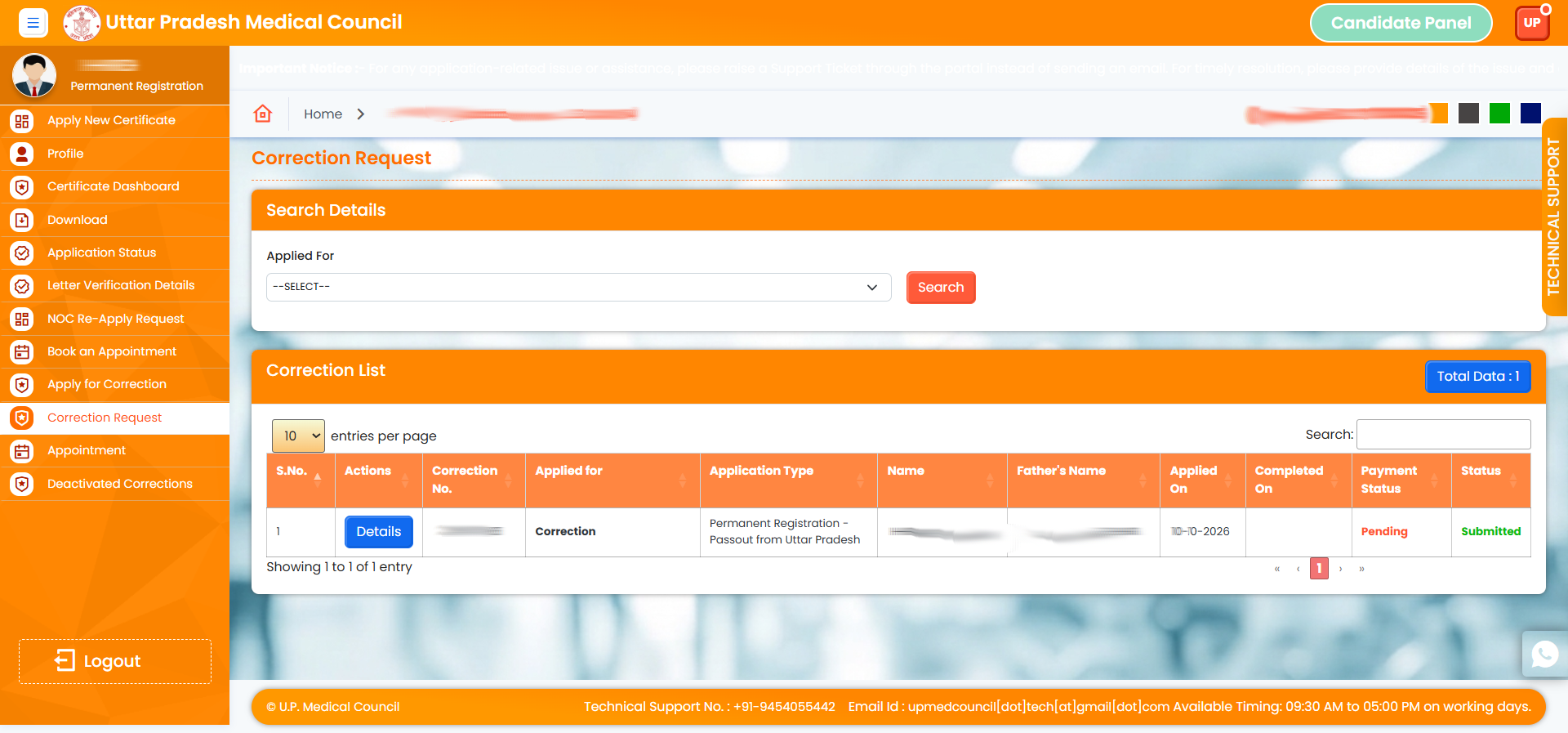
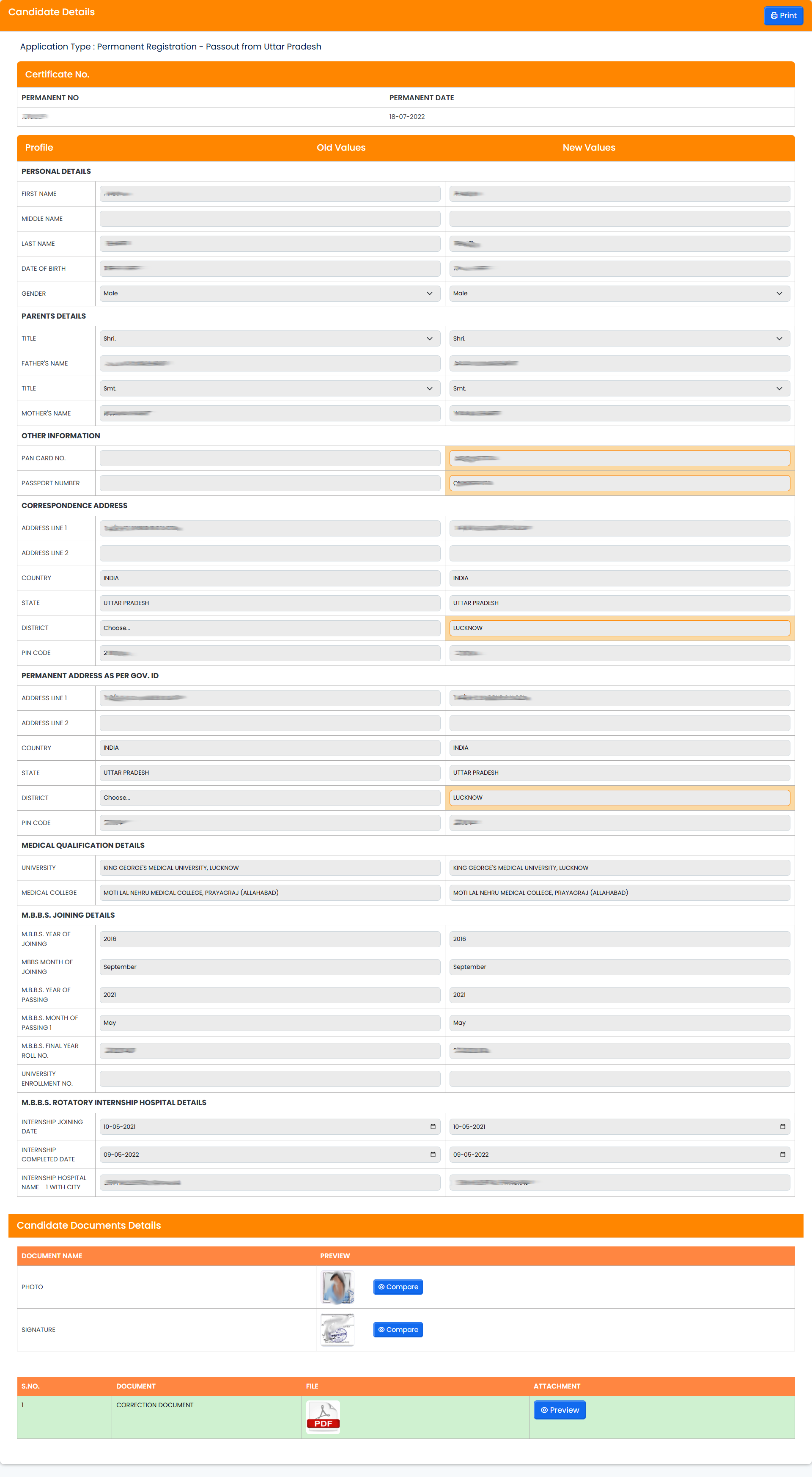
13. Application Preview
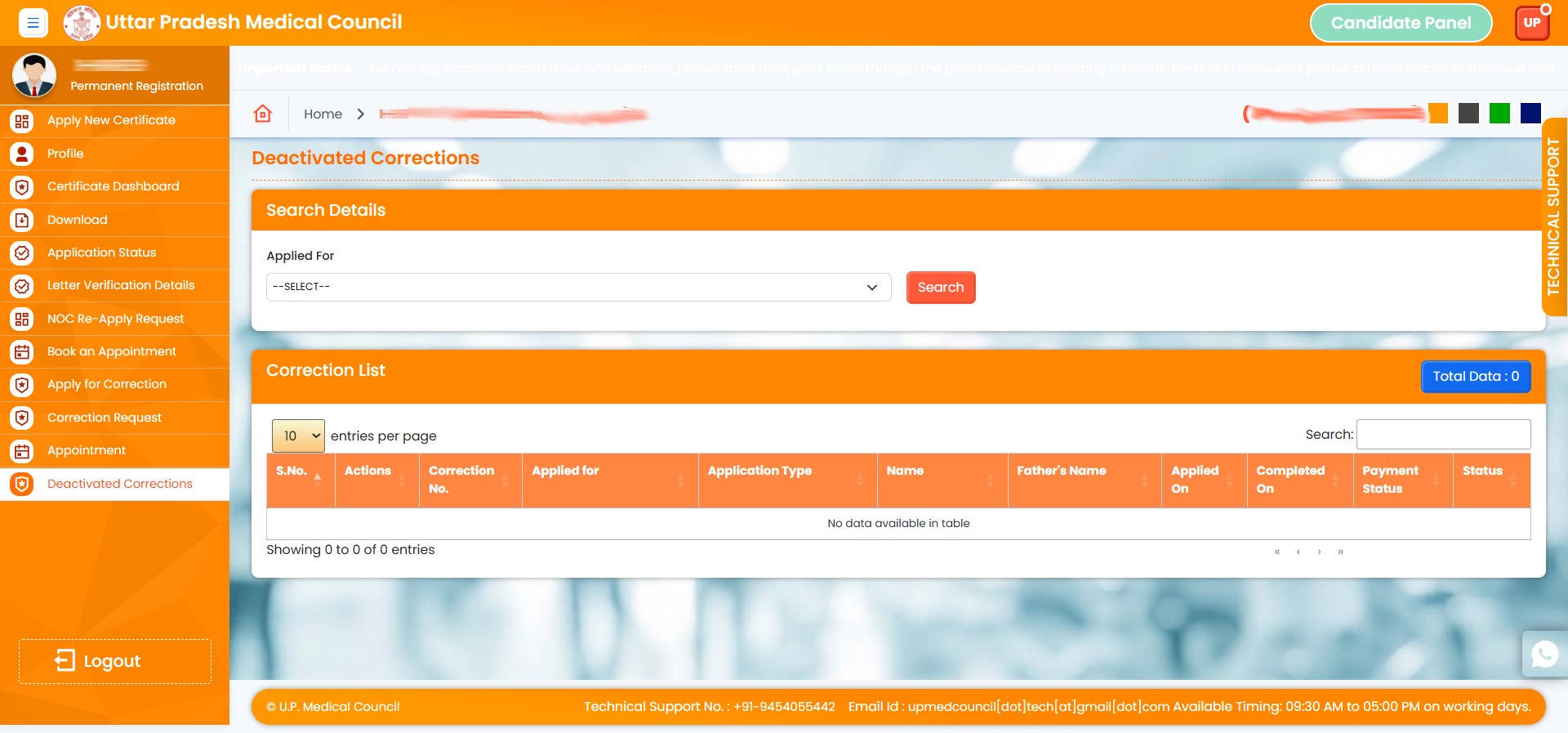
14. View all applied corrections here
